> ## Documentation Index
> Fetch the complete documentation index at: https://help.eazybe.com/llms.txt
> Use this file to discover all available pages before exploring further.
# Coexistence Mode
> Use your existing WhatsApp Business App number with the Cloud API simultaneously
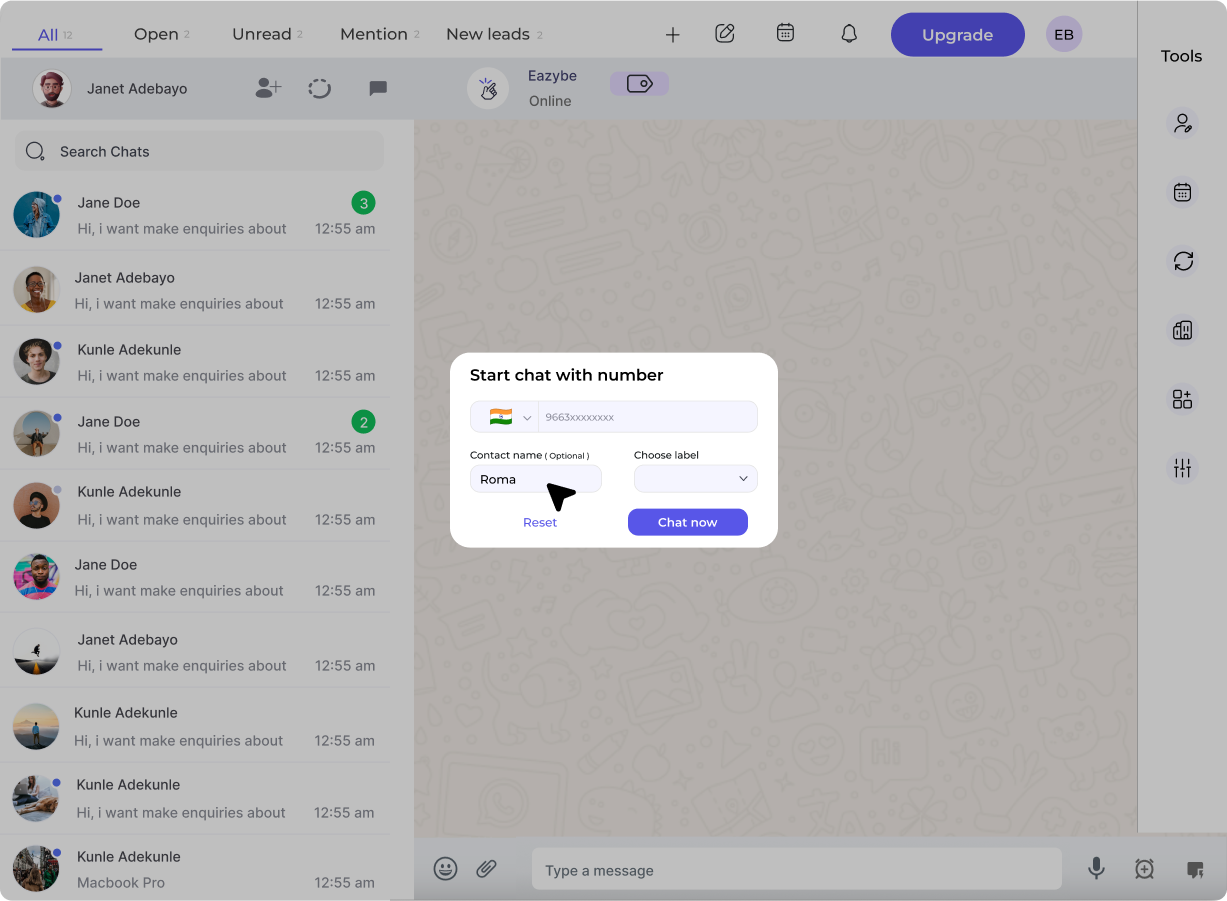 ## What is Coexistence?
**Coexistence** is a Meta-provided feature that allows you to connect your active **WhatsApp Business App** phone number to the **WhatsApp Cloud API** without:
* Losing your chat history
* Re-registering the number
* Losing your verified badge
* Abandoning your existing workflow
Messages sync in real-time between both platforms, so your team can use the API while you continue using the mobile app.
## Benefits
No need to get a new number or inform customers of a change
Import up to 6 months of conversations during setup
Continue using WhatsApp Business App on your phone
Add API features (broadcasts, automation) without disrupting operations
## Prerequisites
Before enabling Coexistence:
Ensure your app is version **2.24.17 or higher**
Check: Settings → Help → App Info
Complete business verification in Meta Business Manager for best results
Your number should have at least **7 days** of real WhatsApp Business activity
For smoothest approval, maintain active usage for 30-60 days before connecting
If your number was previously connected to another API provider:
* Disconnect from that provider
* Wait **1-2 months** cooldown
* Re-register in WhatsApp Business App
## How to Enable Coexistence
In Eazybe Workspace, go to **Settings** → **WABA** → **Add Number**
Select **"Connect existing WhatsApp Business number"**
Input your WhatsApp Business App number with country code (e.g., +91XXXXXXXXXX)
On your phone, you'll receive a message from **Facebook Business**:
**Option 1:** Tap "Scan QR Code" and scan the code on screen
**Option 2:** Enter the 8-digit code shown on your computer into the app
Meta will prompt you to import conversations. Select:
* **All chats** (up to 6 months)
* **Specific chats**
* **Skip import**
Keep WhatsApp Business App open during import for best results. Group chats are not imported.
Review your business details and click **Confirm**. Your status will show **"Connected via Coexistence"**
## How It Works After Setup
## What is Coexistence?
**Coexistence** is a Meta-provided feature that allows you to connect your active **WhatsApp Business App** phone number to the **WhatsApp Cloud API** without:
* Losing your chat history
* Re-registering the number
* Losing your verified badge
* Abandoning your existing workflow
Messages sync in real-time between both platforms, so your team can use the API while you continue using the mobile app.
## Benefits
No need to get a new number or inform customers of a change
Import up to 6 months of conversations during setup
Continue using WhatsApp Business App on your phone
Add API features (broadcasts, automation) without disrupting operations
## Prerequisites
Before enabling Coexistence:
Ensure your app is version **2.24.17 or higher**
Check: Settings → Help → App Info
Complete business verification in Meta Business Manager for best results
Your number should have at least **7 days** of real WhatsApp Business activity
For smoothest approval, maintain active usage for 30-60 days before connecting
If your number was previously connected to another API provider:
* Disconnect from that provider
* Wait **1-2 months** cooldown
* Re-register in WhatsApp Business App
## How to Enable Coexistence
In Eazybe Workspace, go to **Settings** → **WABA** → **Add Number**
Select **"Connect existing WhatsApp Business number"**
Input your WhatsApp Business App number with country code (e.g., +91XXXXXXXXXX)
On your phone, you'll receive a message from **Facebook Business**:
**Option 1:** Tap "Scan QR Code" and scan the code on screen
**Option 2:** Enter the 8-digit code shown on your computer into the app
Meta will prompt you to import conversations. Select:
* **All chats** (up to 6 months)
* **Specific chats**
* **Skip import**
Keep WhatsApp Business App open during import for best results. Group chats are not imported.
Review your business details and click **Confirm**. Your status will show **"Connected via Coexistence"**
## How It Works After Setup
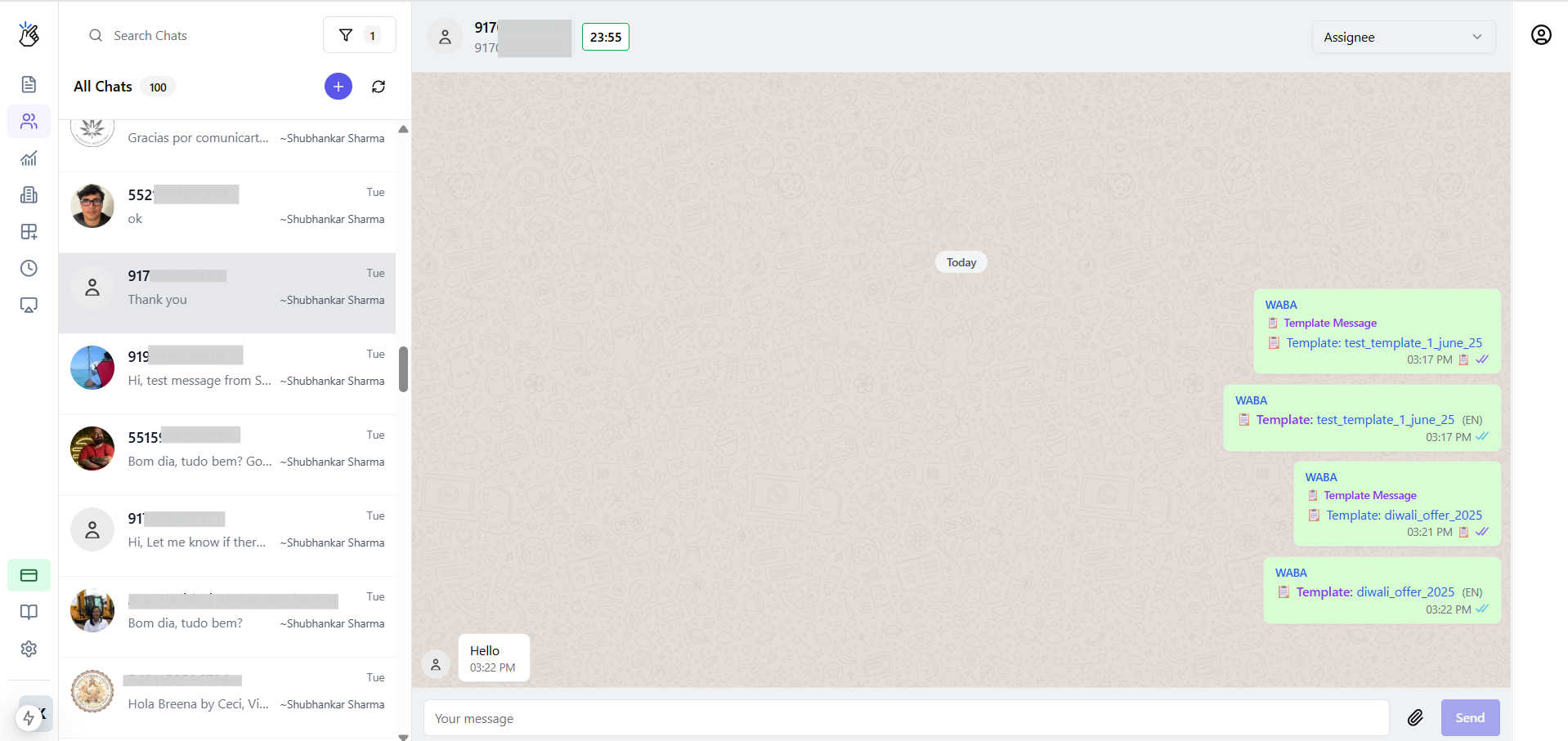 | Action | What Happens |
| --------------------- | ----------------------------------------------------------- |
| Customer messages you | Appears in both WhatsApp Business App AND Eazybe Team Inbox |
| You reply from App | Message syncs to API inbox |
| You reply from Eazybe | Message syncs to mobile app |
| Send broadcast | Goes through API only (requires templates) |
| Receive call | Only on WhatsApp Business App |
## Disconnecting Coexistence
If you need to disable Coexistence:
1. Open **WhatsApp Business App** on your phone
2. Go to: **Settings** → **Business Tools** → **WhatsApp Business Platform**
3. Tap **Disconnect**
After disconnecting, you must wait **1-2 months** before reconnecting the same number to any WABA provider.
## FAQs
No. Only **WhatsApp Business App** numbers are supported. Personal WhatsApp numbers cannot be connected to the API.
No. Your chat history, contacts, and media remain intact. You can also import up to 6 months of history into the API platform.
Yes, the Coexistence feature itself has no additional cost. However, standard message charges (for broadcasts/templates) and your Eazybe subscription still apply.
You must fully disconnect from the previous provider and wait 1-2 months before connecting via Eazybe. Attempting to connect too soon will result in eligibility errors.
| Action | What Happens |
| --------------------- | ----------------------------------------------------------- |
| Customer messages you | Appears in both WhatsApp Business App AND Eazybe Team Inbox |
| You reply from App | Message syncs to API inbox |
| You reply from Eazybe | Message syncs to mobile app |
| Send broadcast | Goes through API only (requires templates) |
| Receive call | Only on WhatsApp Business App |
## Disconnecting Coexistence
If you need to disable Coexistence:
1. Open **WhatsApp Business App** on your phone
2. Go to: **Settings** → **Business Tools** → **WhatsApp Business Platform**
3. Tap **Disconnect**
After disconnecting, you must wait **1-2 months** before reconnecting the same number to any WABA provider.
## FAQs
No. Only **WhatsApp Business App** numbers are supported. Personal WhatsApp numbers cannot be connected to the API.
No. Your chat history, contacts, and media remain intact. You can also import up to 6 months of history into the API platform.
Yes, the Coexistence feature itself has no additional cost. However, standard message charges (for broadcasts/templates) and your Eazybe subscription still apply.
You must fully disconnect from the previous provider and wait 1-2 months before connecting via Eazybe. Attempting to connect too soon will result in eligibility errors.