> ## Documentation Index
> Fetch the complete documentation index at: https://help.eazybe.com/llms.txt
> Use this file to discover all available pages before exploring further.
# Visão Geral da Integração com Pipedrive
> Conecte o CRM Pipedrive ao WhatsApp e gerencie suas atividades de vendas diretamente da sua interface de chat
## Integração com Pipedrive
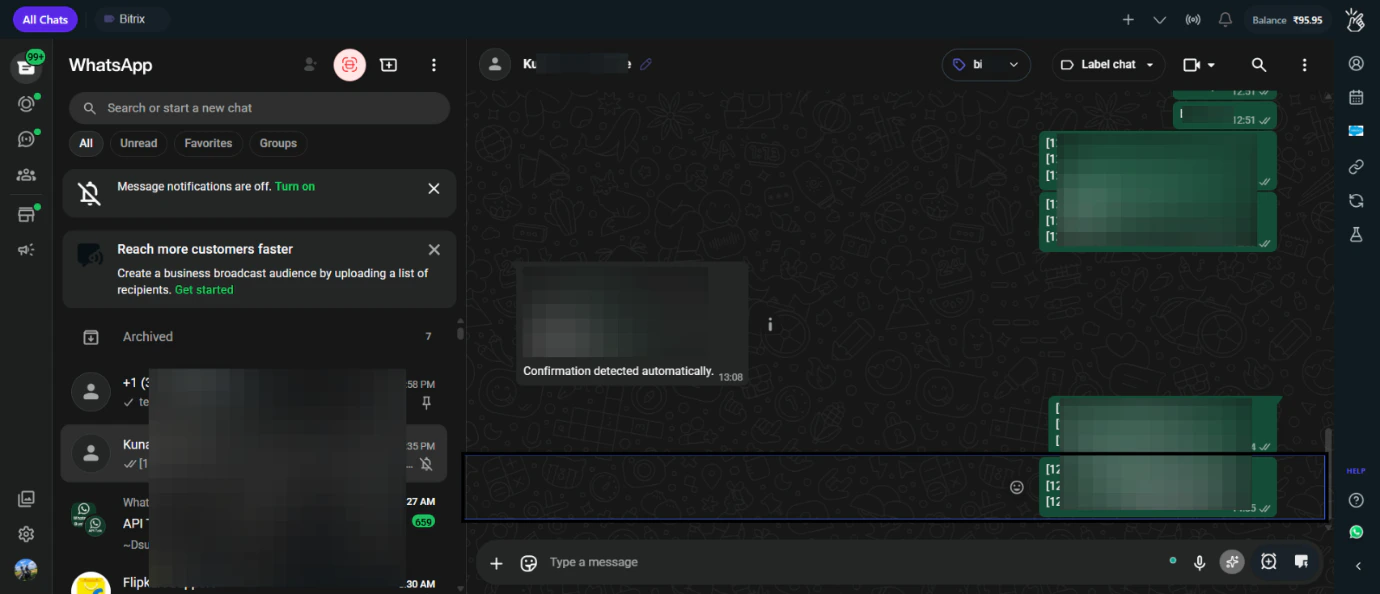 Conecte o Eazybe ao Pipedrive para sincronizar suas conversas do WhatsApp com seu CRM e gerenciar atividades de vendas sem sair do WhatsApp.
### Recursos
Crie e gerencie contatos do Pipedrive diretamente do WhatsApp
Acesse os dados do Pipedrive e gerencie negócios no WhatsApp
Adicione notas e crie tarefas sem alternar aplicativos
Crie e gerencie negócios com base em conversas do WhatsApp
### Links Rápidos
* [Pré-requisitos](/pt/integrations/pipedrive/prerequisites)
* [Conexão de Conta](/pt/integrations/pipedrive/account-connection)
* [Recursos do Mini CRM](/pt/integrations/pipedrive/mini-crm)
Conecte o Eazybe ao Pipedrive para sincronizar suas conversas do WhatsApp com seu CRM e gerenciar atividades de vendas sem sair do WhatsApp.
### Recursos
Crie e gerencie contatos do Pipedrive diretamente do WhatsApp
Acesse os dados do Pipedrive e gerencie negócios no WhatsApp
Adicione notas e crie tarefas sem alternar aplicativos
Crie e gerencie negócios com base em conversas do WhatsApp
### Links Rápidos
* [Pré-requisitos](/pt/integrations/pipedrive/prerequisites)
* [Conexão de Conta](/pt/integrations/pipedrive/account-connection)
* [Recursos do Mini CRM](/pt/integrations/pipedrive/mini-crm)