> ## Documentation Index
> Fetch the complete documentation index at: https://help.eazybe.com/llms.txt
> Use this file to discover all available pages before exploring further.
# Backup View
> Learn where to find your synced WhatsApp chat backups within Zoho CRM
Synced WhatsApp conversations are stored in multiple locations within Zoho CRM, making it easy to access chat history from different record types.
## Where to Find Your WhatsApp Chat Backups
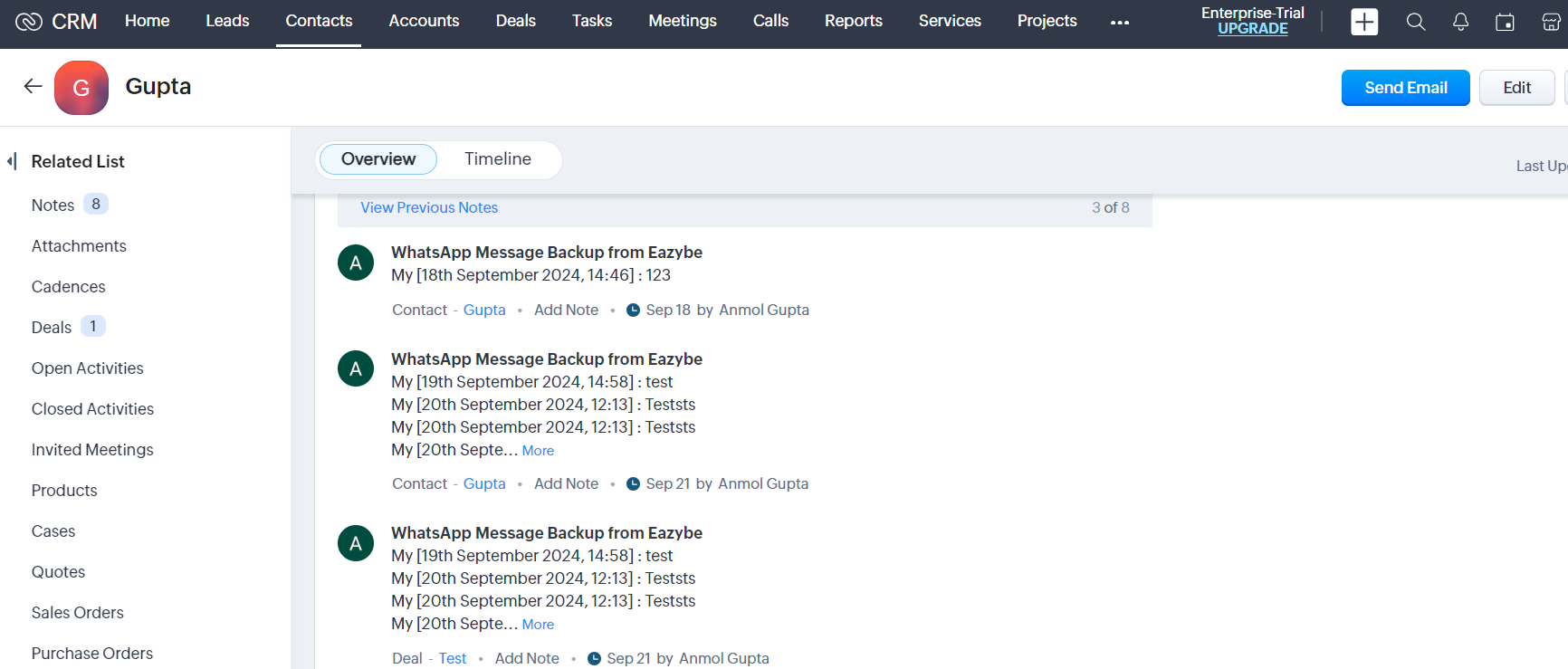
Each synced WhatsApp conversation appears in the **Notes Section** of the respective Zoho Contact's page.
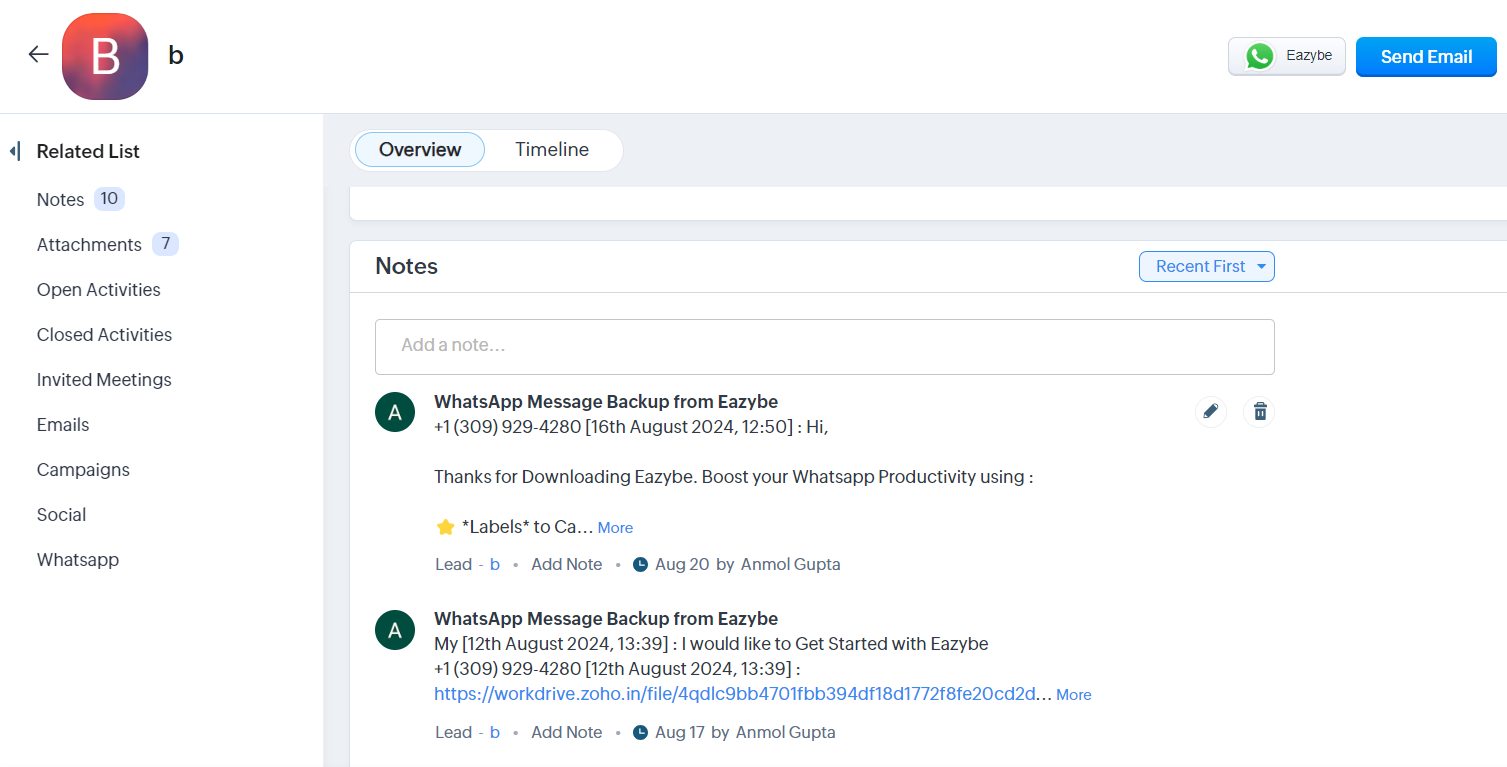
 Synced conversations also display in the **Notes Section** of respective lead records in Zoho CRM.
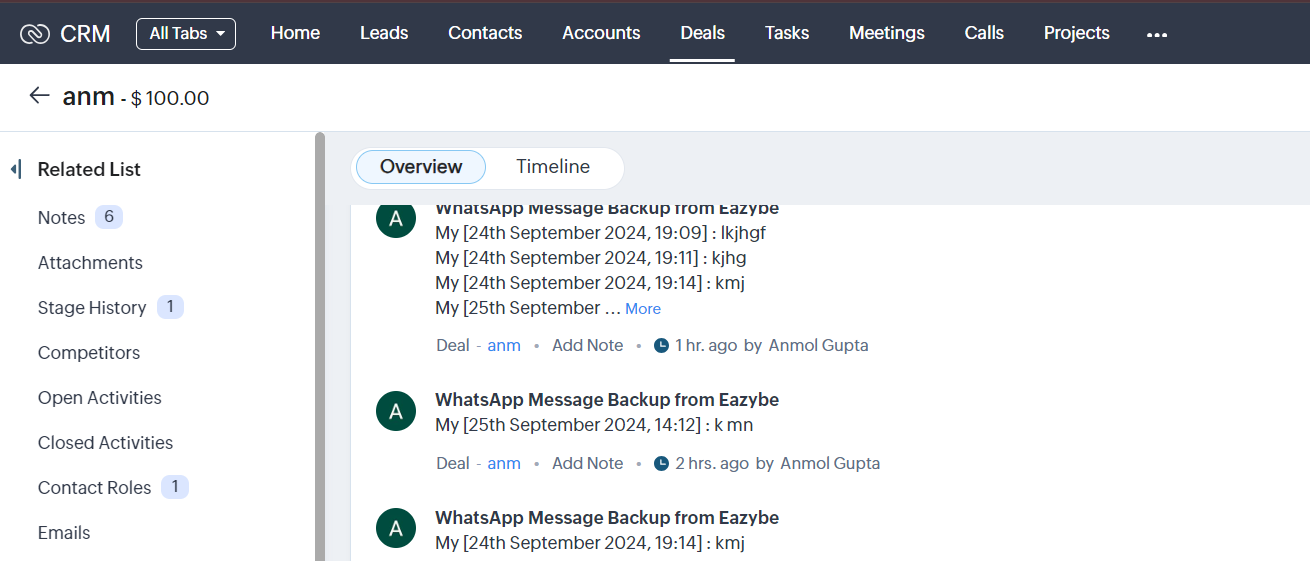
 Chats are automatically synced to the **5 latest deals** associated with the respective Zoho Contact.
 All WhatsApp conversations are stored as notes, allowing you to maintain a complete communication history within your CRM records.