> ## Documentation Index
> Fetch the complete documentation index at: https://help.eazybe.com/llms.txt
> Use this file to discover all available pages before exploring further.
# Attachment Backup
> Learn about EazyBe's WhatsApp attachment backup support and which file types are synced to Zoho
EazyBe enables backup of WhatsApp conversation attachments when syncing with Zoho CRM, ensuring all your important files are preserved alongside your chat history.
## Supported Attachment Types
Photos and screenshots shared in conversations
PDFs, Word files, spreadsheets, and other documents
Voice messages and audio recordings
Video clips shared in WhatsApp conversations
Additional file types shared through WhatsApp are also supported for backup.
## Where Attachments Are Stored
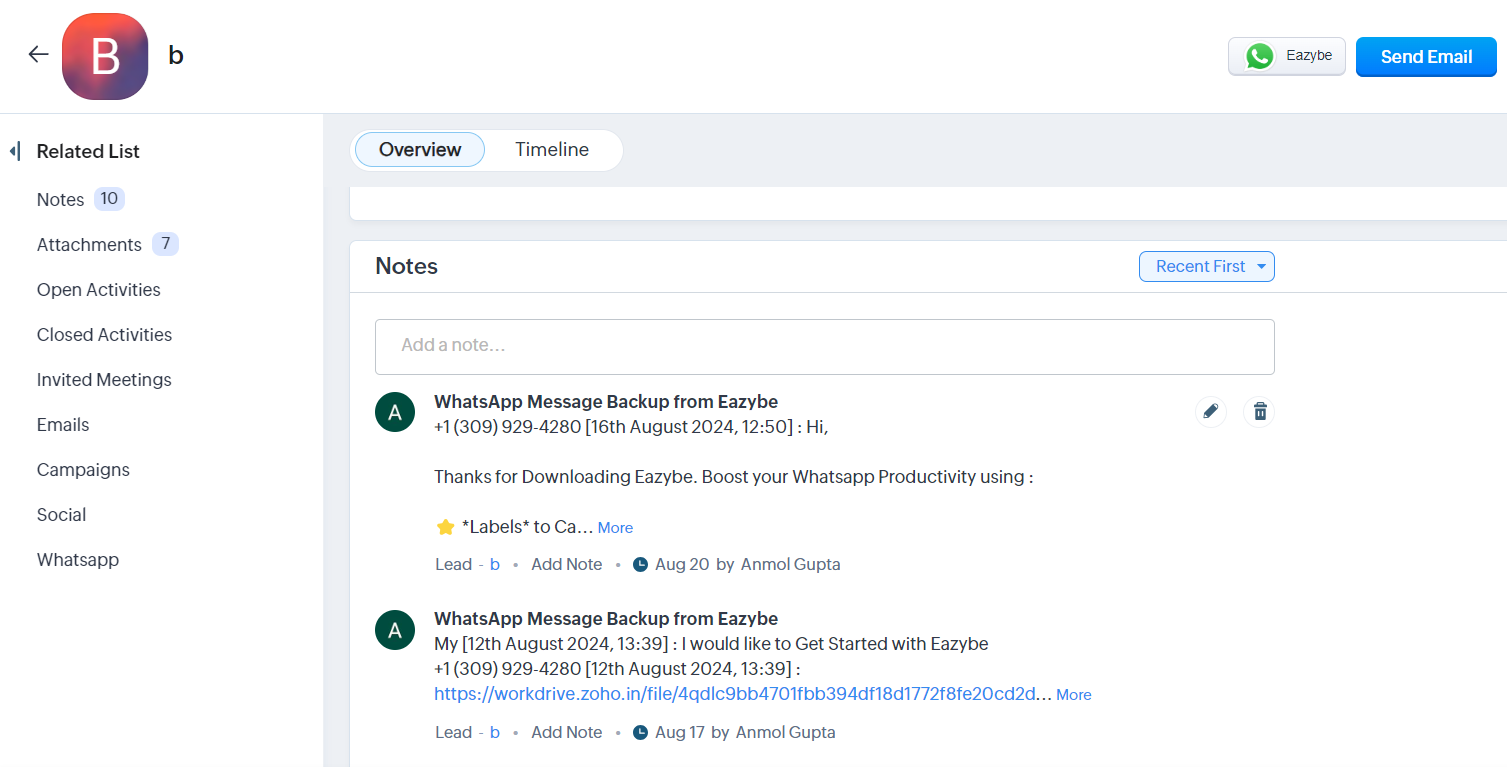
Attachments are stored in two sections within Zoho Leads and Contacts pages:
### Notes Section
A link is generated for each attachment, allowing easy access to the file directly from the notes.
 ### Attachments Section
Files are organized in a tabular format displaying:
* File Name
* Attached By
* Date Added
* Size
### Attachments Section
Files are organized in a tabular format displaying:
* File Name
* Attached By
* Date Added
* Size
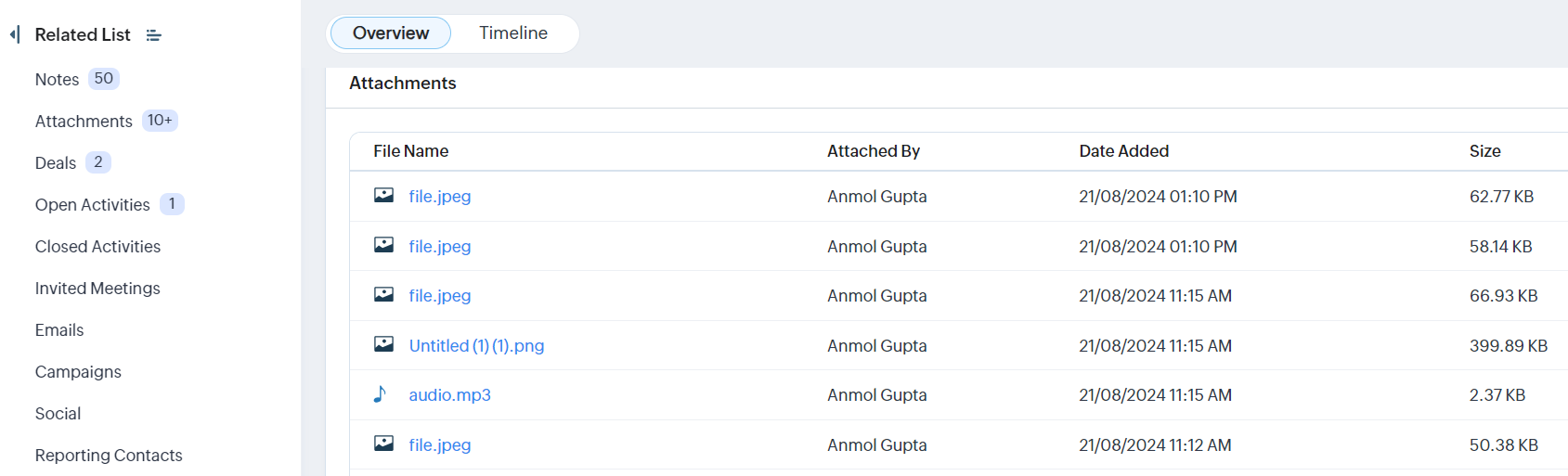 Both storage locations provide quick access to your synced WhatsApp attachments, giving you flexibility in how you manage and retrieve files.