> ## Documentation Index
> Fetch the complete documentation index at: https://help.eazybe.com/llms.txt
> Use this file to discover all available pages before exploring further.
# Pipedrive Integration Overview
> Connect Pipedrive CRM to WhatsApp and manage your sales activities directly from your chat interface
## Pipedrive Integration
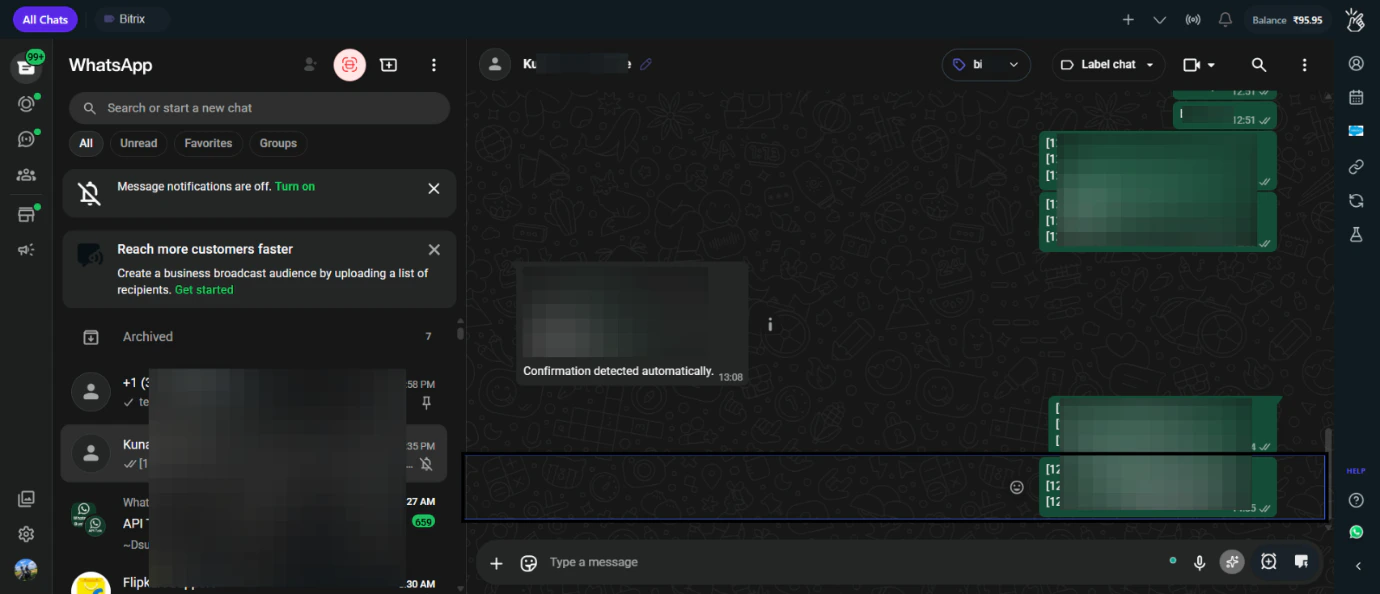 Connect Eazybe to Pipedrive to sync WhatsApp conversations with your CRM and manage sales activities without leaving WhatsApp.
### Features
Create and manage Pipedrive contacts directly from WhatsApp
Access Pipedrive data and manage deals in WhatsApp
Add notes and create tasks without switching applications
Create and manage deals based on WhatsApp conversations
### Quick Links
* [Prerequisites](/en/integrations/pipedrive/prerequisites)
* [Account Connection](/en/integrations/pipedrive/account-connection)
* [Mini CRM Features](/en/integrations/pipedrive/mini-crm)
Connect Eazybe to Pipedrive to sync WhatsApp conversations with your CRM and manage sales activities without leaving WhatsApp.
### Features
Create and manage Pipedrive contacts directly from WhatsApp
Access Pipedrive data and manage deals in WhatsApp
Add notes and create tasks without switching applications
Create and manage deals based on WhatsApp conversations
### Quick Links
* [Prerequisites](/en/integrations/pipedrive/prerequisites)
* [Account Connection](/en/integrations/pipedrive/account-connection)
* [Mini CRM Features](/en/integrations/pipedrive/mini-crm)